

Trace: • Text button
This is an old revision of the document!
A button is a filled rectangle with text in it. In most screens, this is great, but sometimes a button shouldn't look like a button. It should look like clickable text. This is a design decission, but check for yourself:

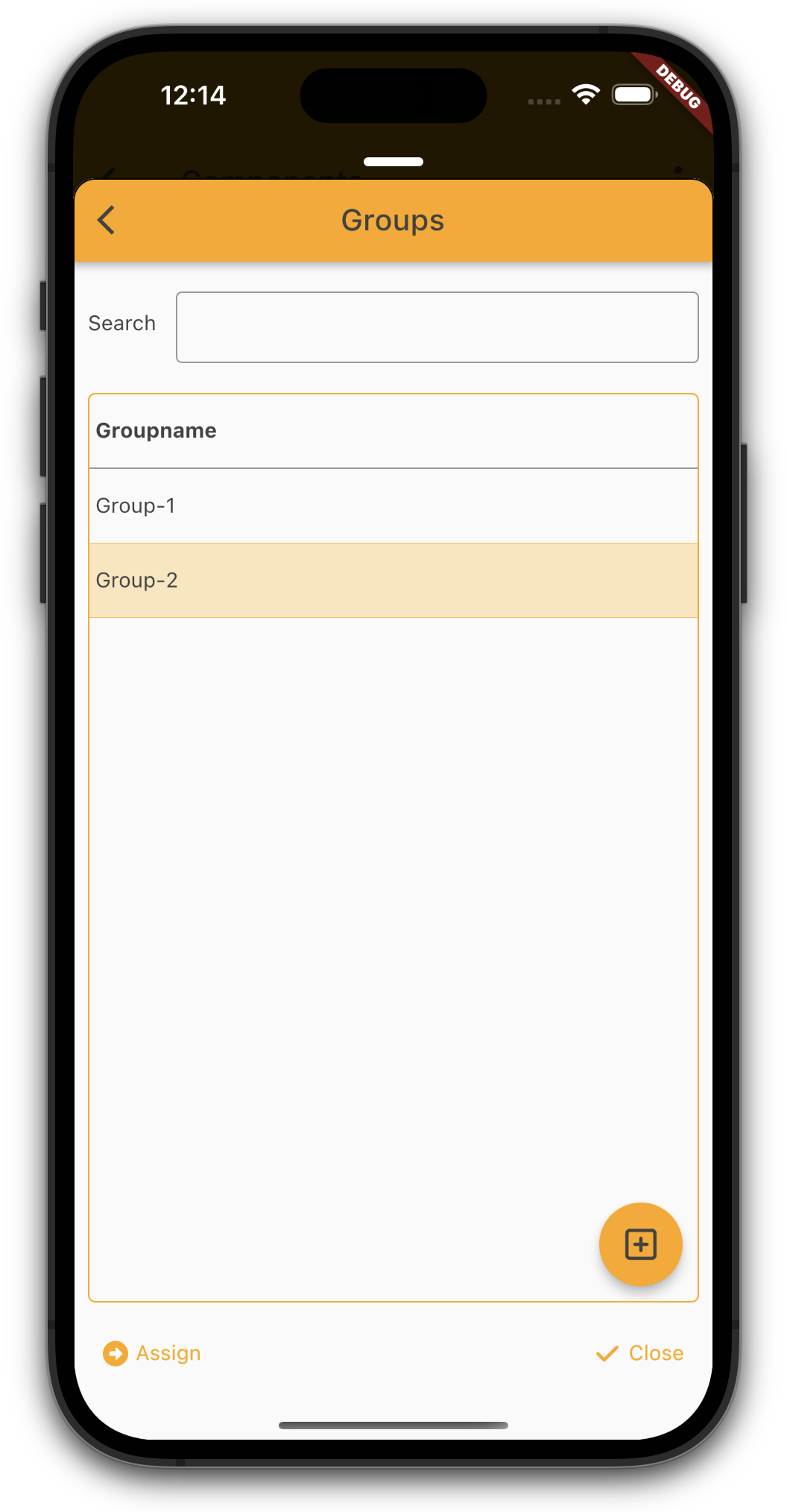
It's easy to style a button like text. Simply set following style:
Style.addStyleNames(button, "f_text");
If the text color should be the same as the color of a label, use:
Style.addStyleNames(button, "f_text_label");