

Trace: • Screen styles
This is an old revision of the document!
A simple screen is shown with a safe-area around it, to be able to click/tap all components. Many devices have a rounded case and the UI should work without problems, e.g.
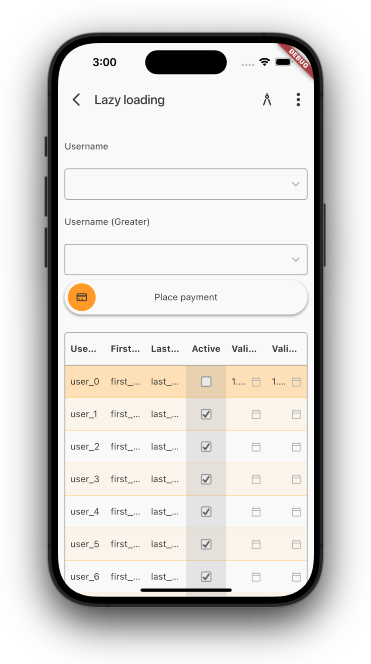
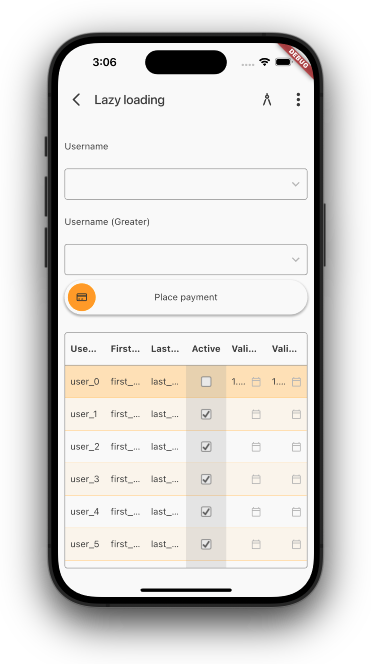
The first screenshot doesn't use a safe-area and the table overlaps the case. The second screenshot uses a safe-area and everything fits. But if you need the full-size. It's possible to disable the safe-area with following style:
f_full_size
We have more style options:
- f_background_in_title
- f_simple_menu
- f_no_menu
- f_no_back
- f_overview_back
- f_secure
The f_background_in_title will use the background color of the screen for the title as well. The f_simple_menu will show a minimalistic menu instead of the full drawer menu.
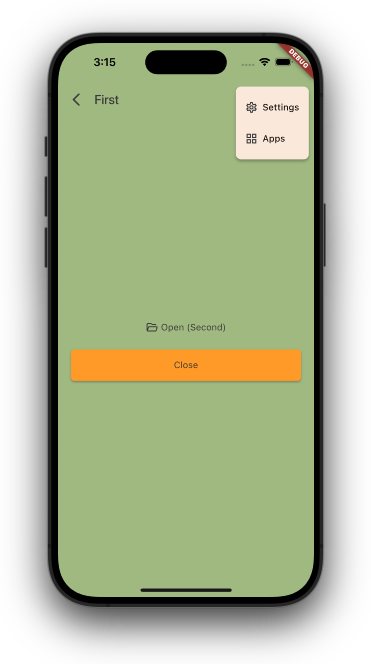
Above screenshots shows both styles in action.
The f_no_menu hides the men, f_no_back removes the back arrow, f_overview_back navigates to the application overview instead the menu. With f_secure you screen needs biometric or PIN authentication before you can use it. It will show a skeleton screen:
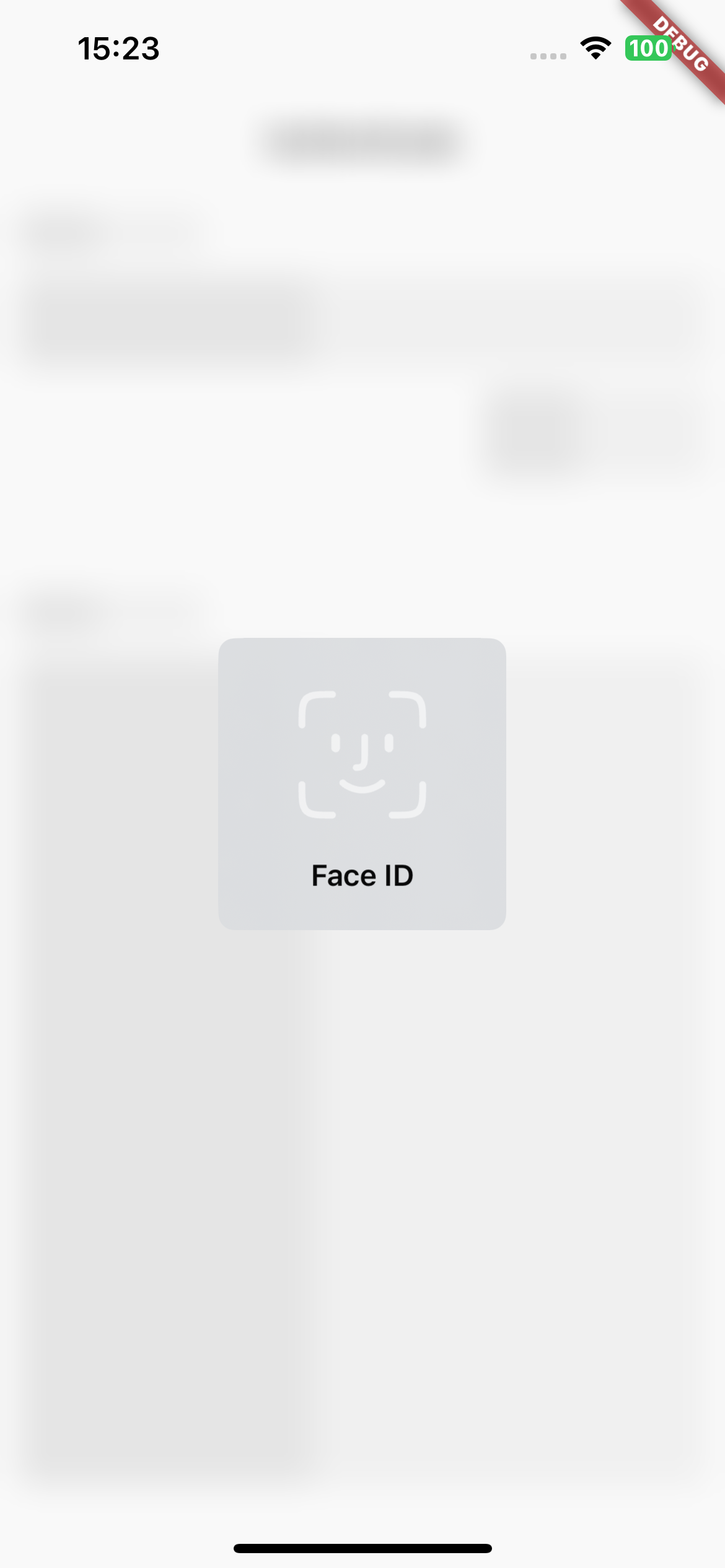
until successful authentication.