

Trace: • Image as avatar
This is an old revision of the document!
An image will be shown as it is, as rectangle. Sometimes it looks better as avatar:
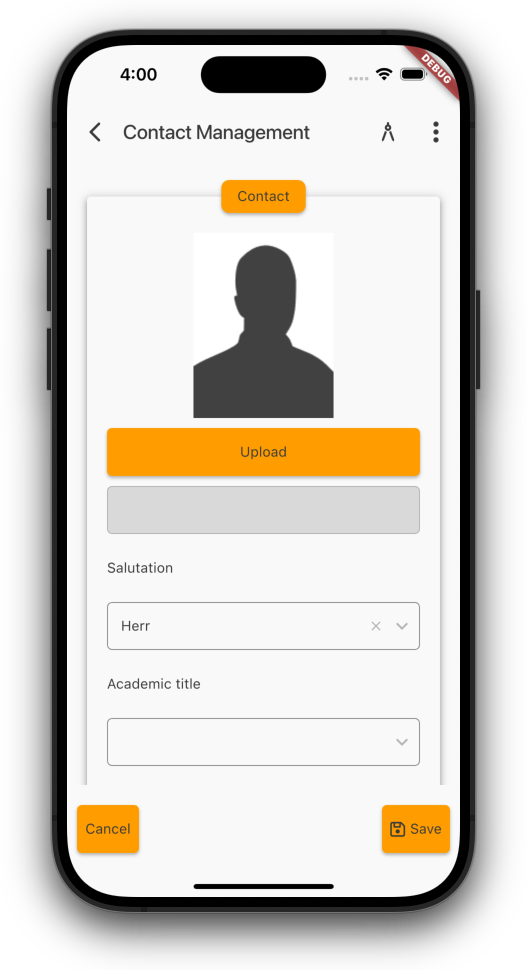
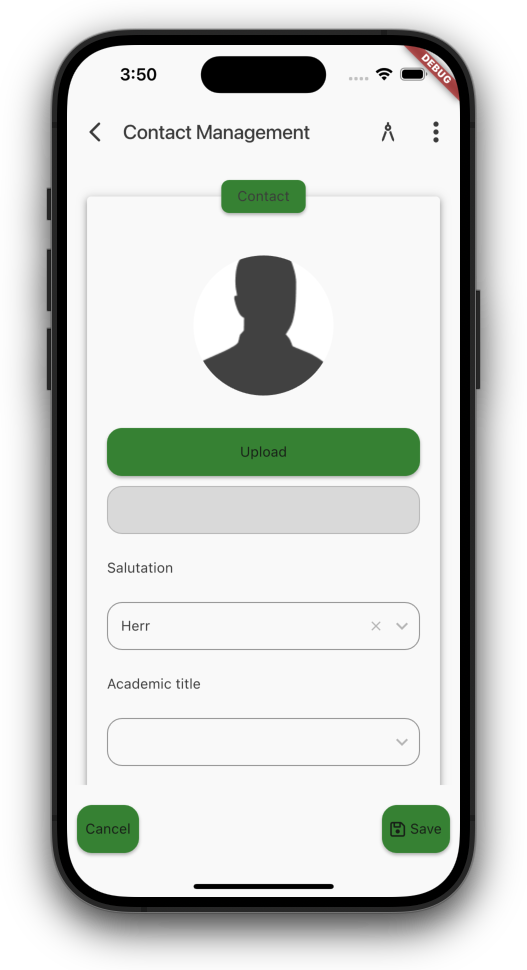
To show the image as avatar, simply do
editor.addStyleNames("f_as_avatar")
Per default, the radius will be set to the minimum of width and height. If you want to use the full size of the editor area, just add 'f_avatar_full_size' as style.