Trace: • Biometric & PIN security
It doesn’t take much effort to add biometric or PIN authentication to an application. Just configure it! We support 3 layers:
- Application security
- Screen security
- Button security
To configure application security, simply enable biometric authentication in mobile.xml:
<FlutterMobile>
  <parameters>
    <!-- Biometric login -->
    <Mobile.login.biometric>true</Mobile.login.biometric>
  </parameters>
</FlutterMobile>
This option will show biometric or PIN authentication (depends on your device configuration) immediately after first successful manual login:
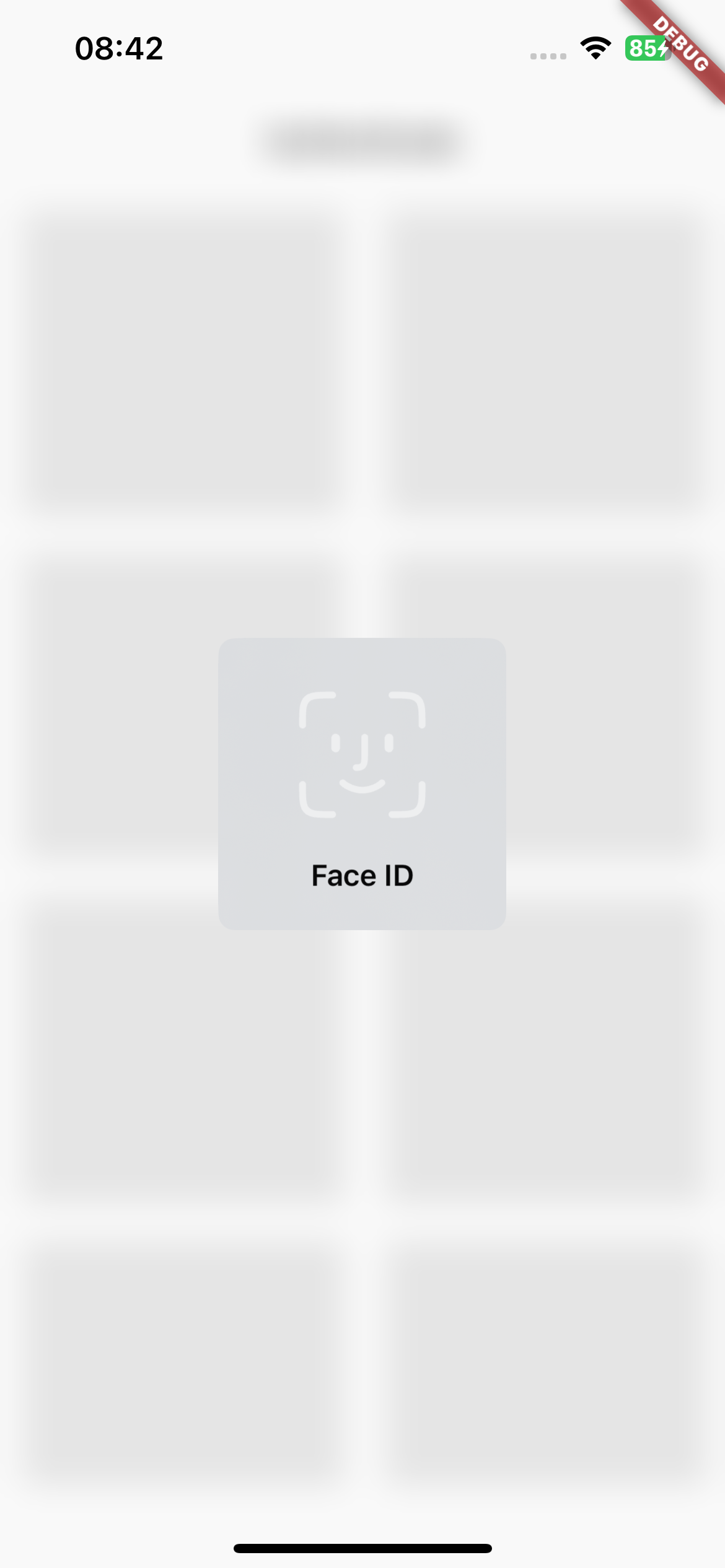
You will need to re‑authenticate after a longer period of inactivity or if you resume the app after a pause. The biometric authentication is active as long as you don't do a manual logout.
If it's good enough to secure your application on screen level, just add the style:
f_secure
to your screen(s) and you'll see a skeleton:
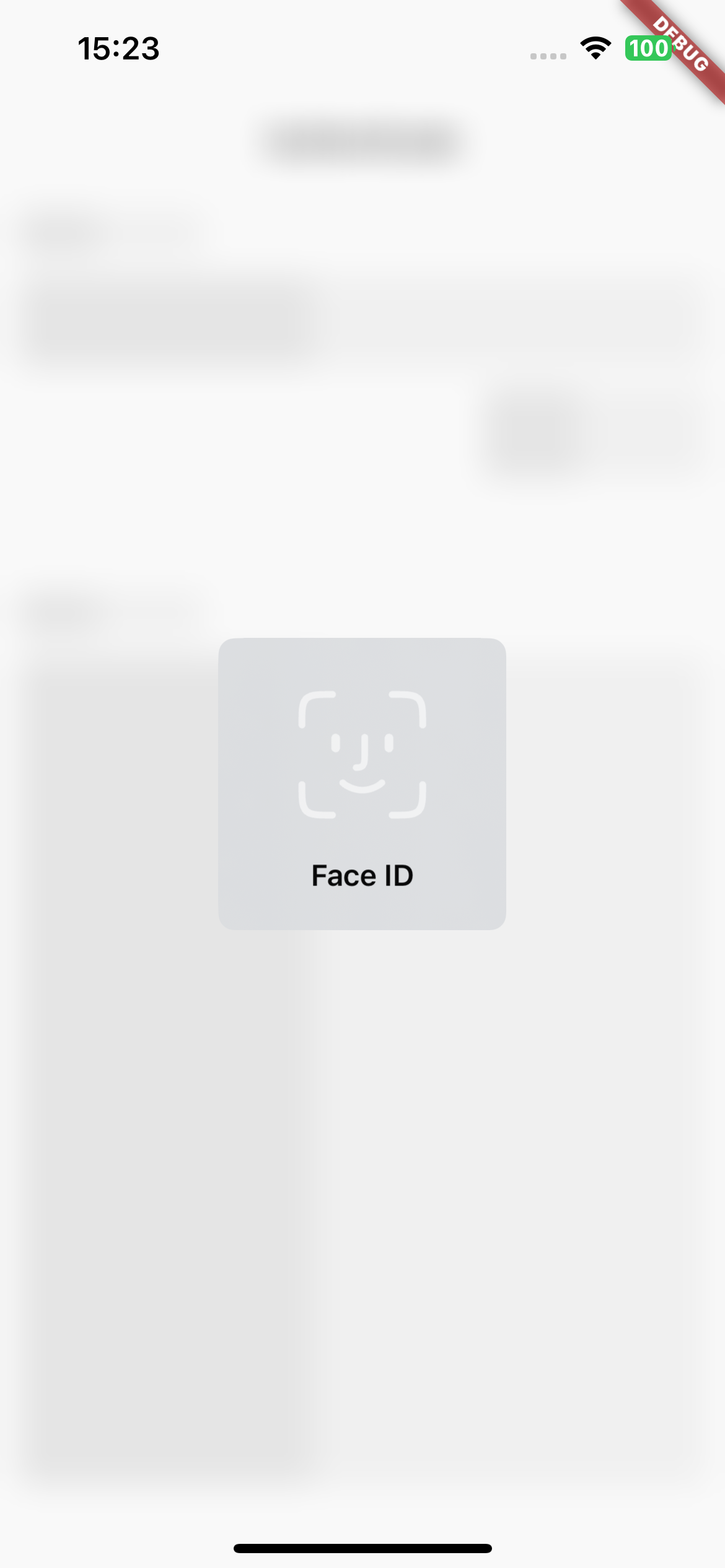
until successful authentication.
The last option is a security mechanism for single button clicks: