

Trace: • Table style
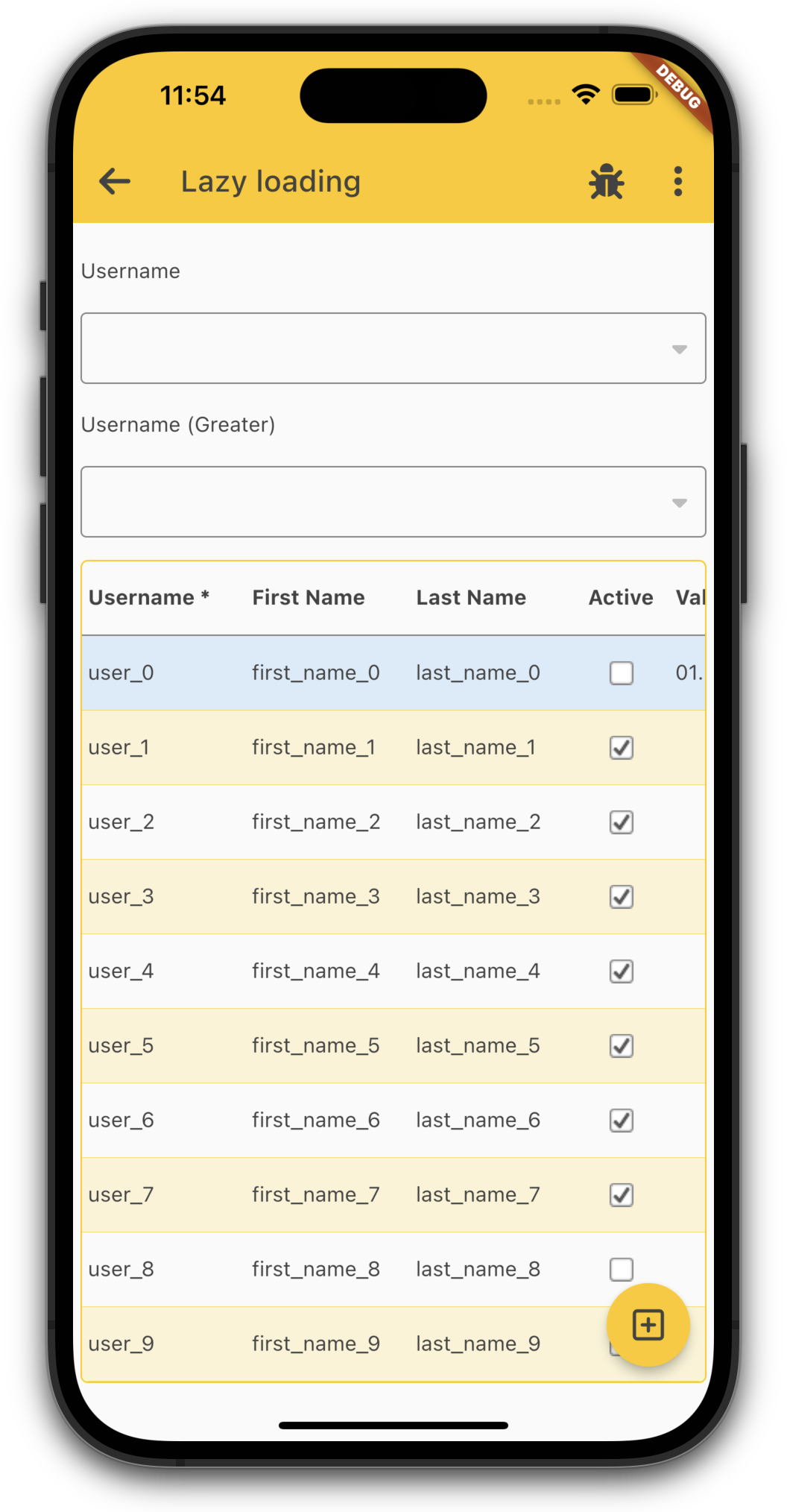
The table always has a floating insert button in the right bottom corner, if it's possible to insert new records. It's the same functionality as with long-press on the table. If you want to hide the floating insert button, simply add a style with following name:
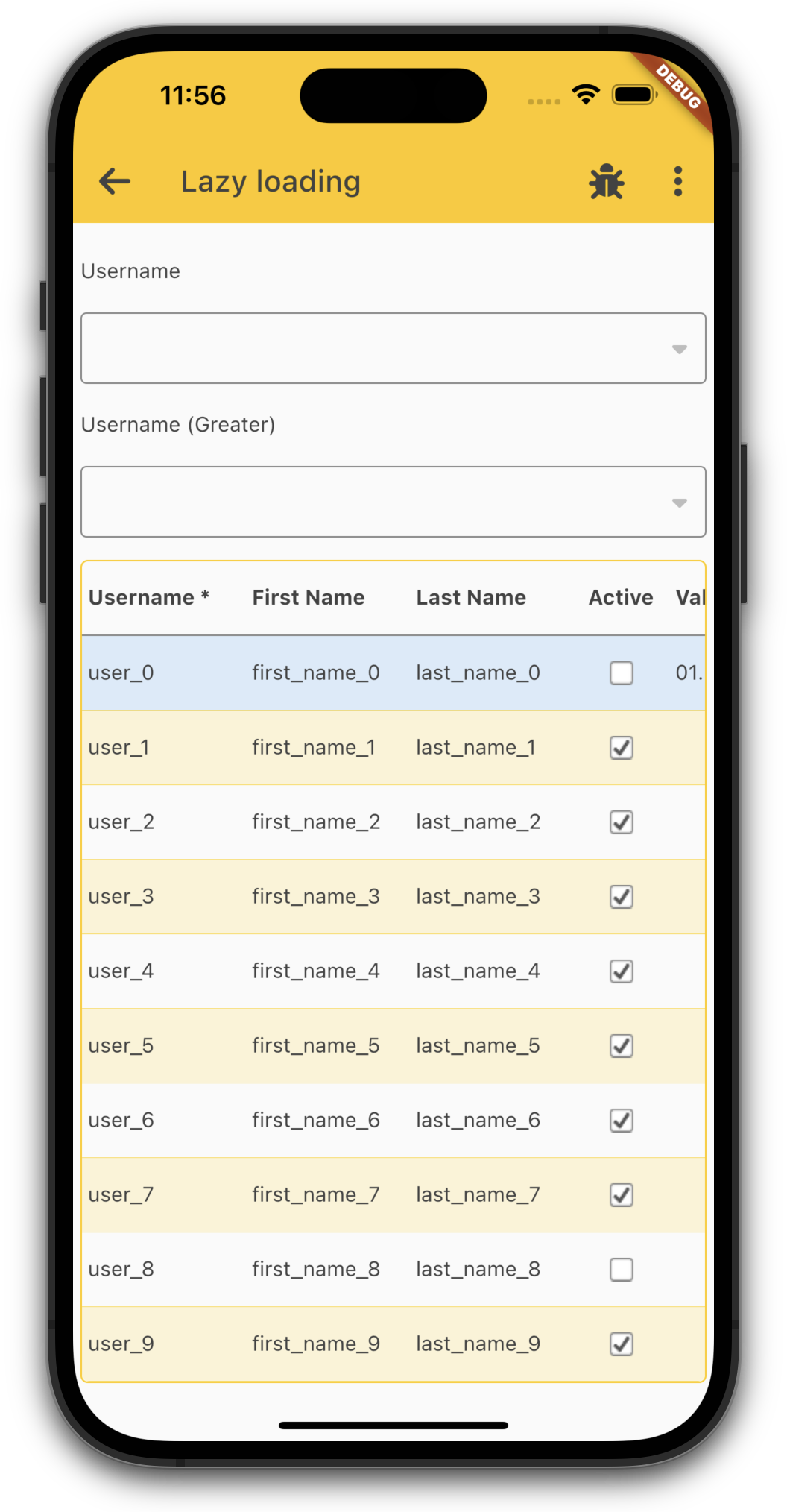
Style.addStyleNames(table, "f_no_float_insert");
The result looks like:
The table has additional styles:
f_table_noborder hides border around the table
f_no_alternating_row_color hides the alternating color
f_insert_hide hides insert feature (long press)
f_edit_hide hides edit feature (long press and slide action)
f_delete_hide hides delete feature (long press and slide action)
f_as_list shows the table as list