We offer different default menu styles:
<menu>
  <!-- list, grid, drawer, tabs -->
  <mode>grid</mode>
  <!-- shows the group name -->
  <grouped>true</grouped>
  <!-- show group only if more than 1 group exists -->
  <group_only_on_multiple>false</group_only_on_multiple>
</menu>
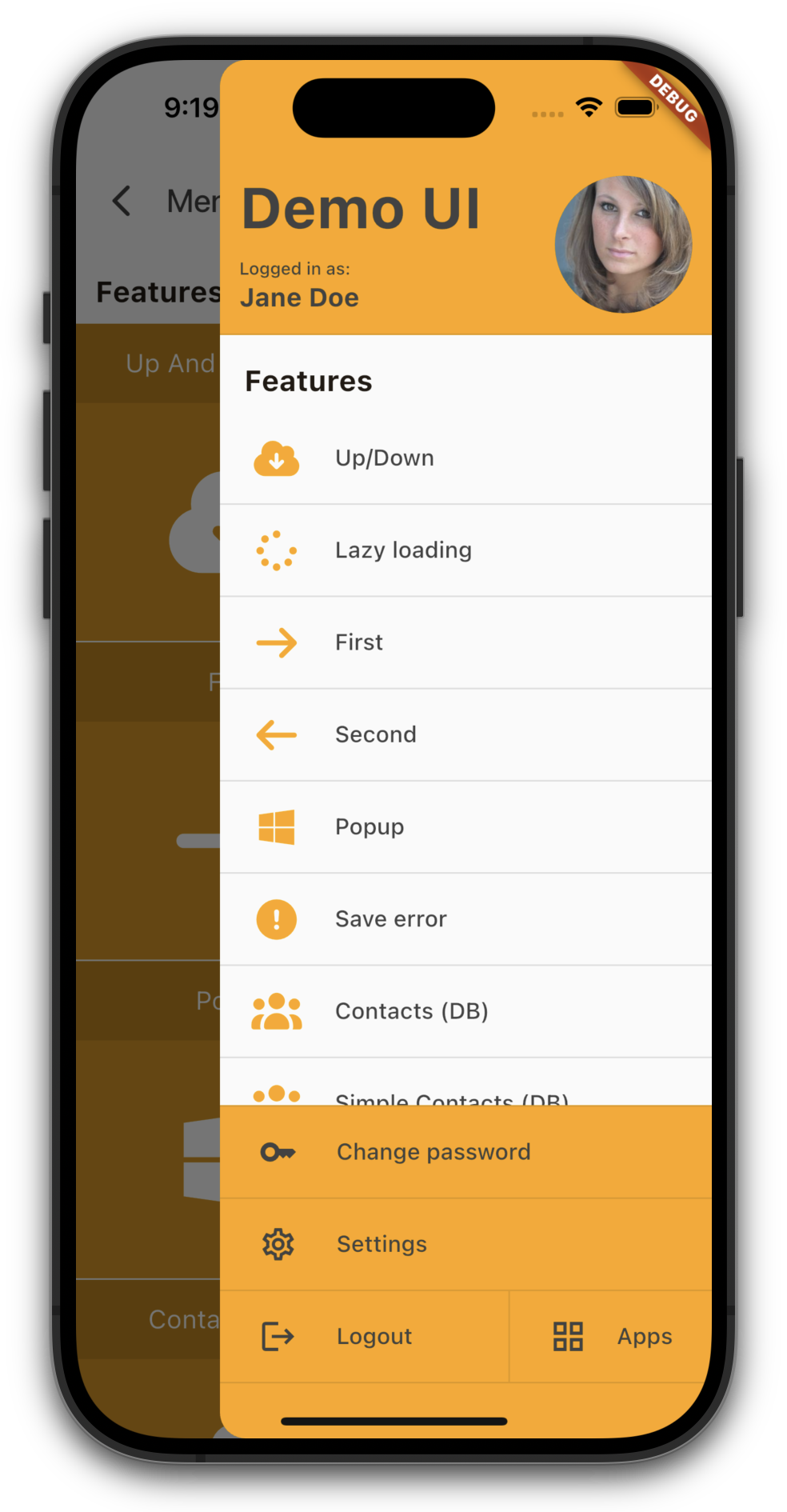
If you use drawer the main area of your application won't show the menu, instead it's only available as overlay/hamburger menu.
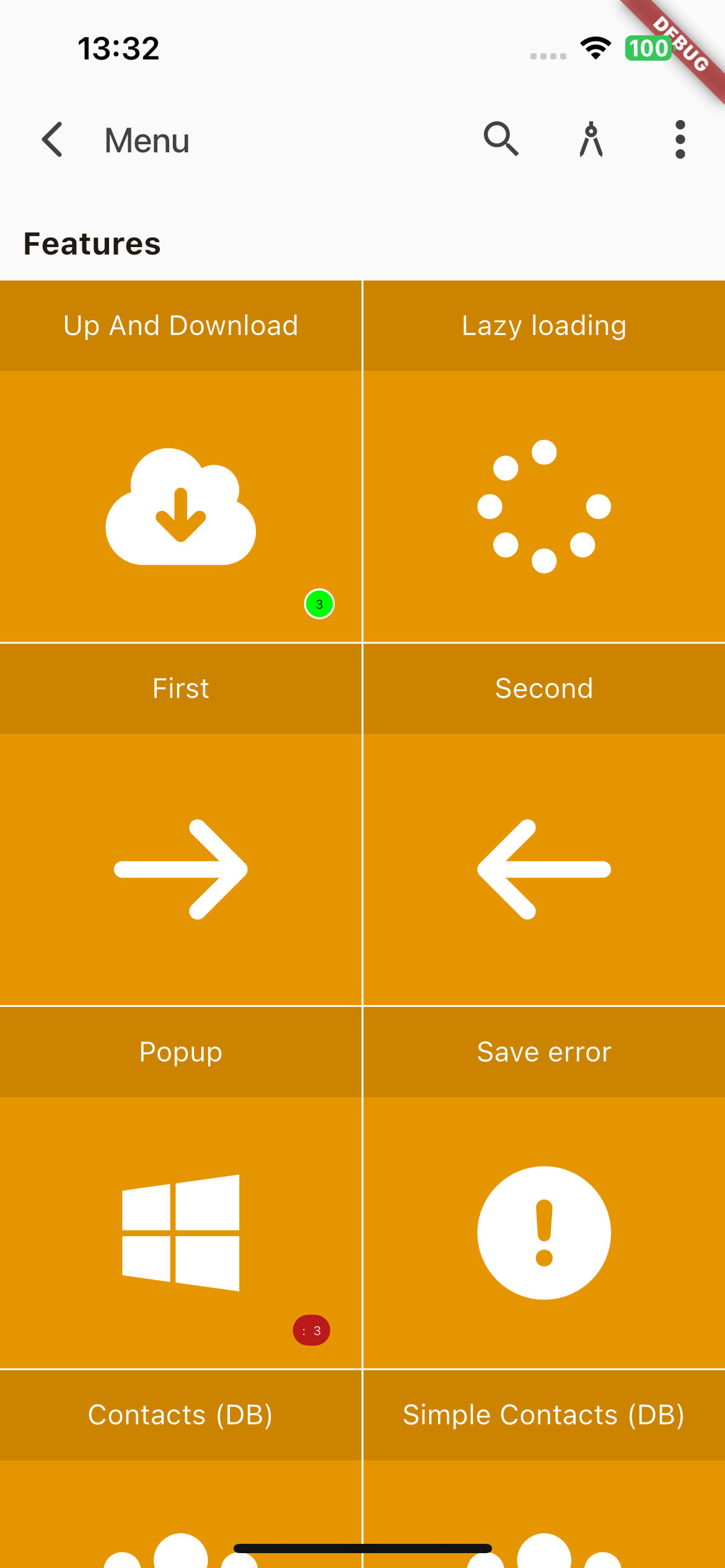
The default color of the menu title is inherited from the theme. If you want a custom color, just set the title color in mobile_styles.xml:
<menu>
  <!-- title color -->
  <titleColor>#FAFAFA</titleColor>
</menu>
to get:
If you preferr rounded corners and more padding like this menu:
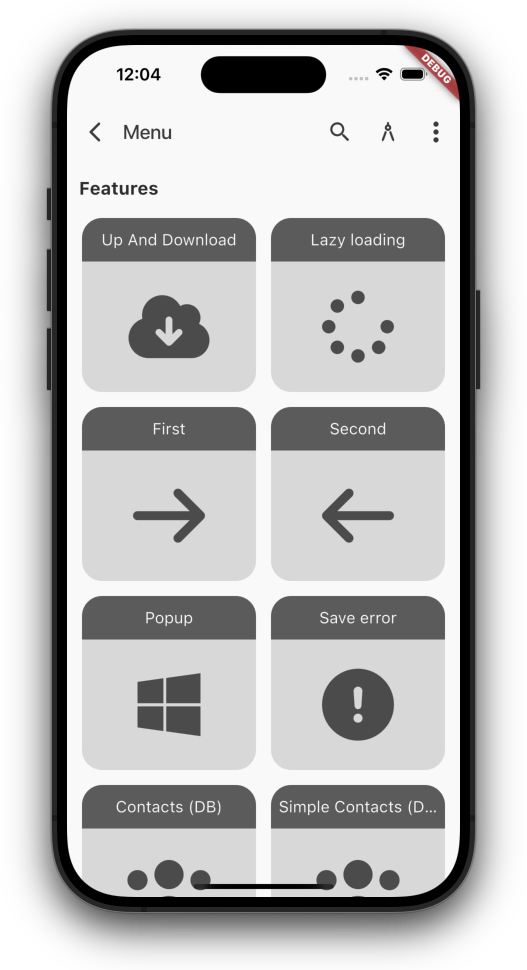
just define your own theme.
The drawer menu will look like:
but it's also possible to show the header and/or footer with less space:
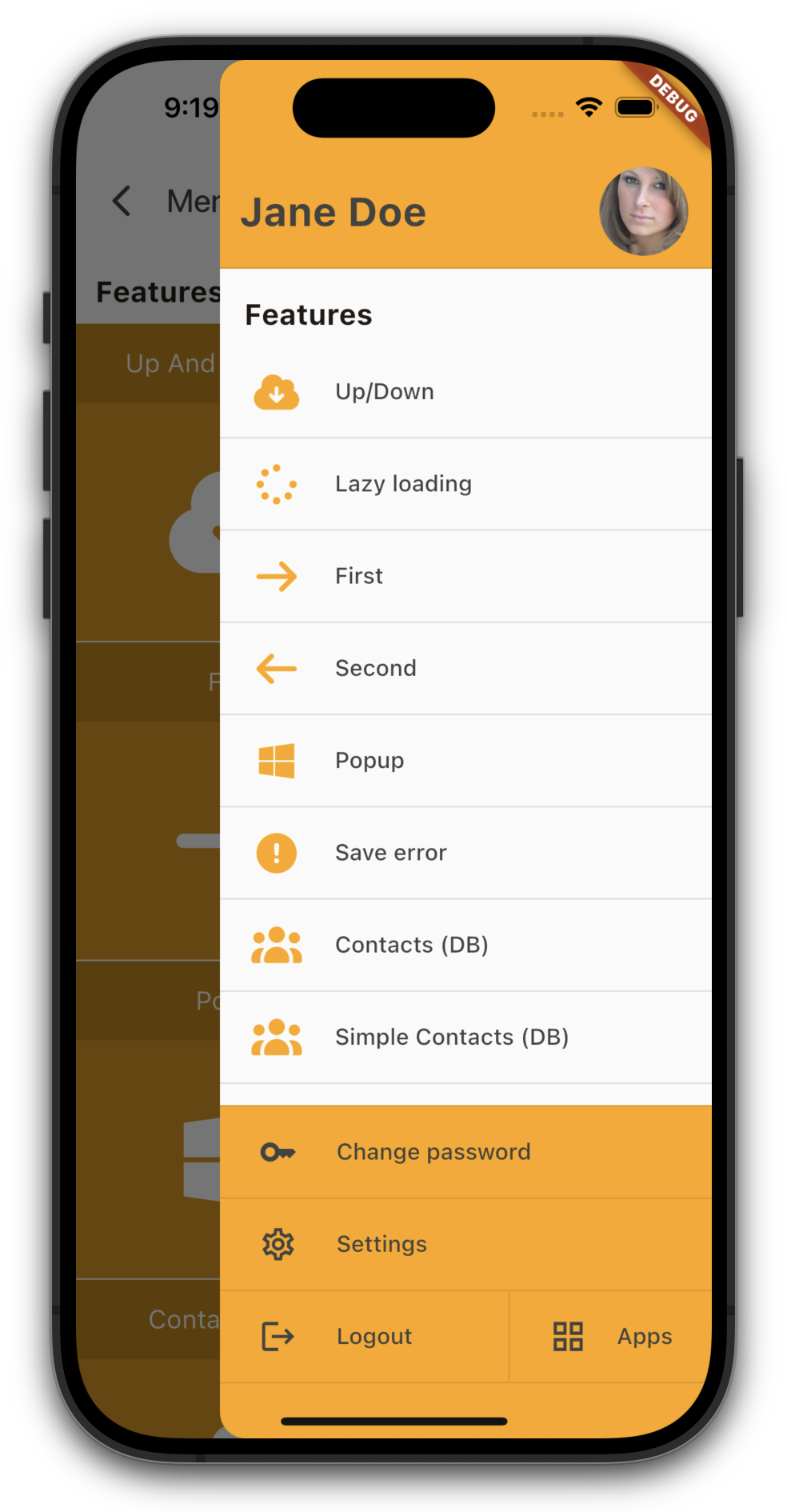
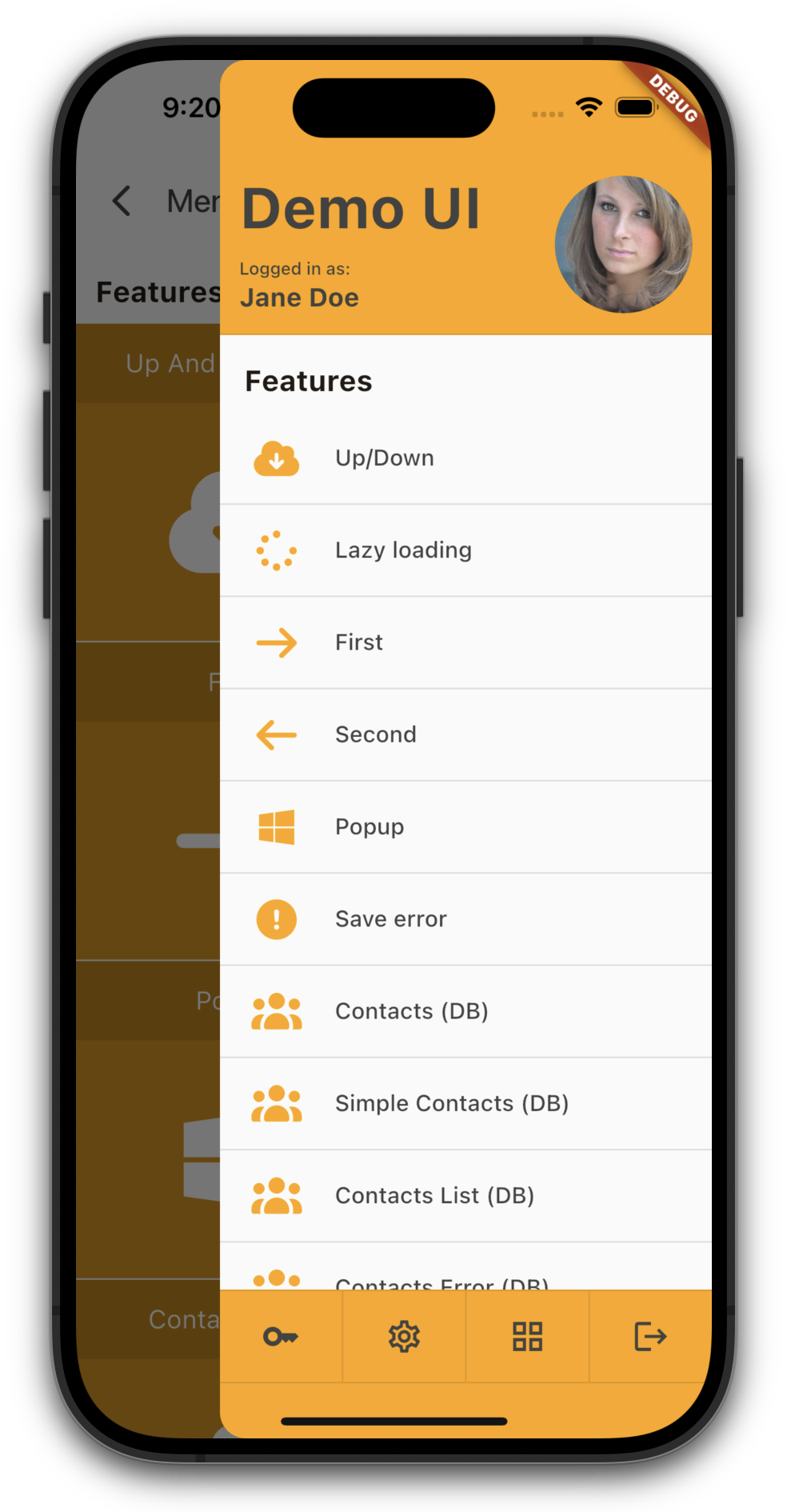
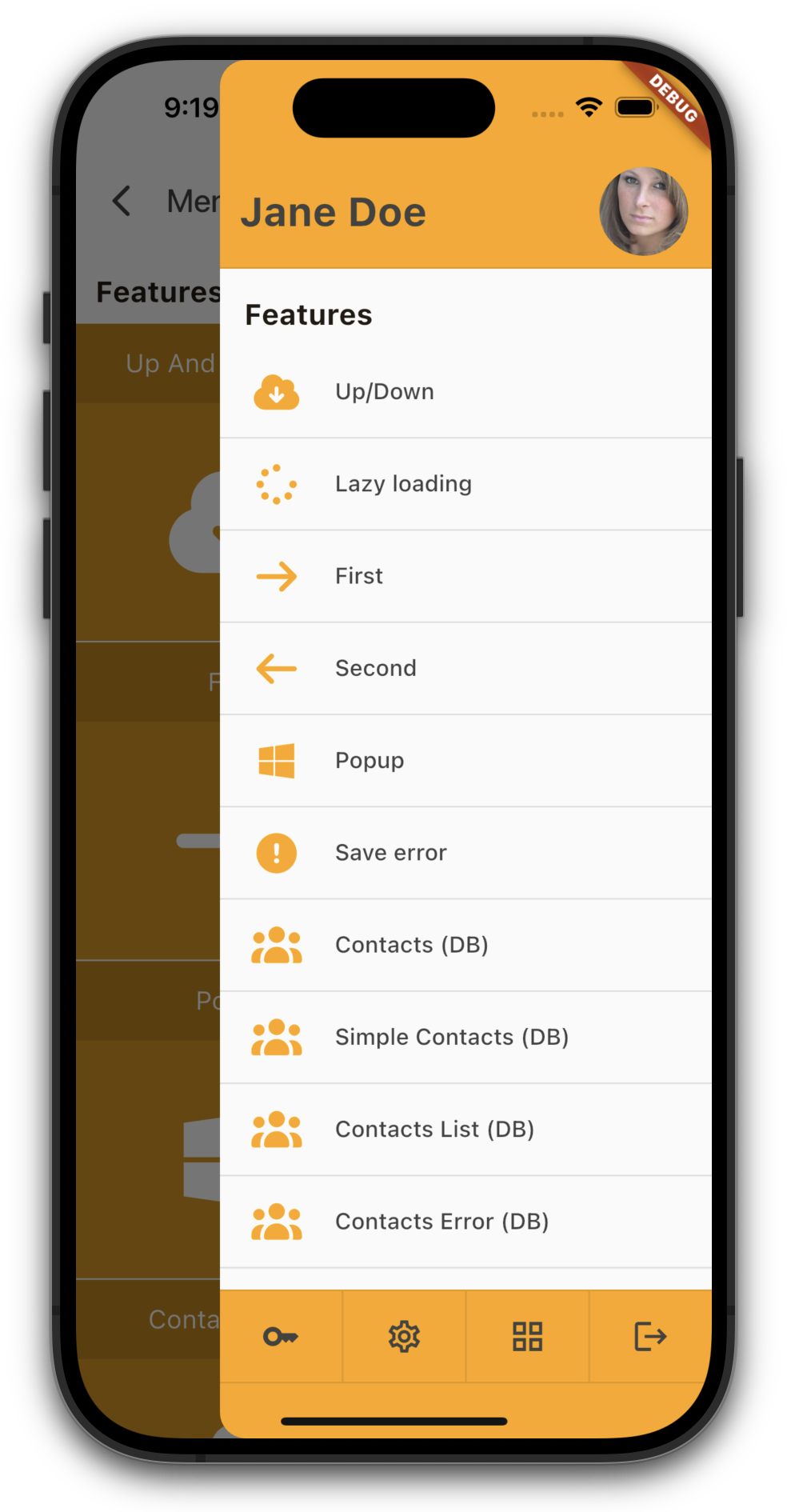
Simply set compactHeader and/or compactFooter in your theme.