The group panel has different style options. The default (modern) style shows a round rectangle with the group label. The flat style shows a solid line with a label. To use the flat style, simply use:
Style.addStyleNames(group, "f_panel_flat");
The modern vs. flat style:
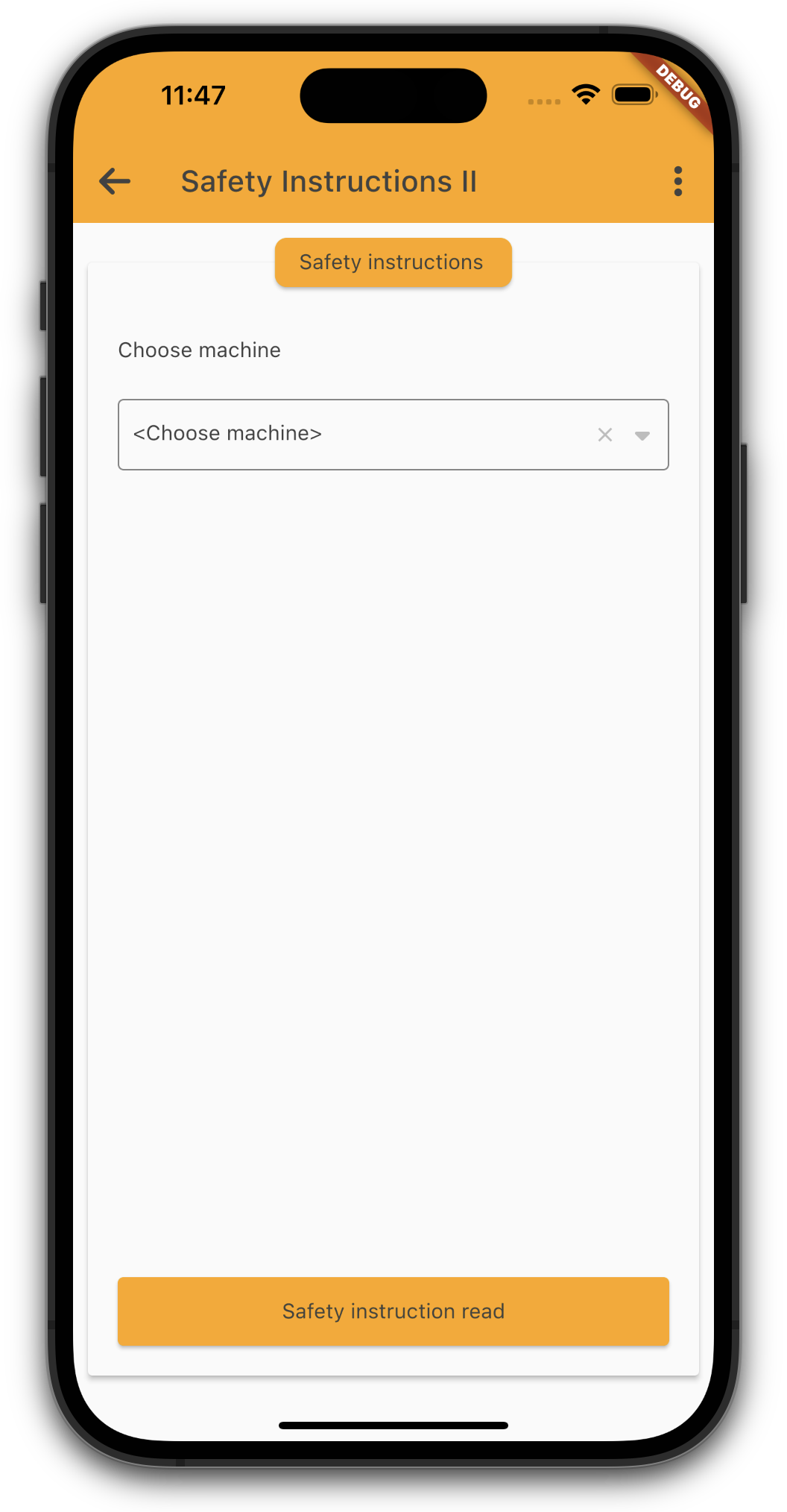
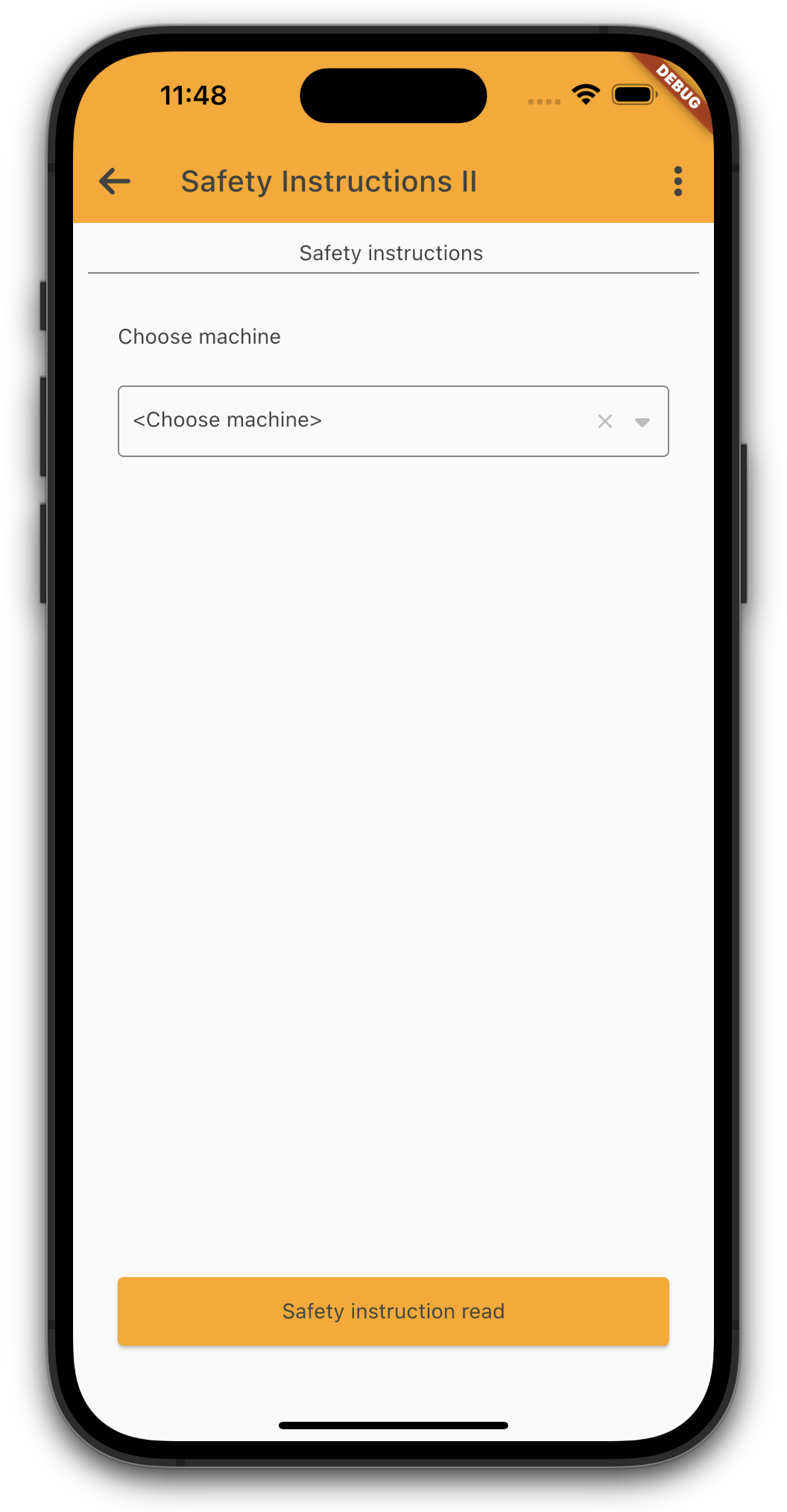
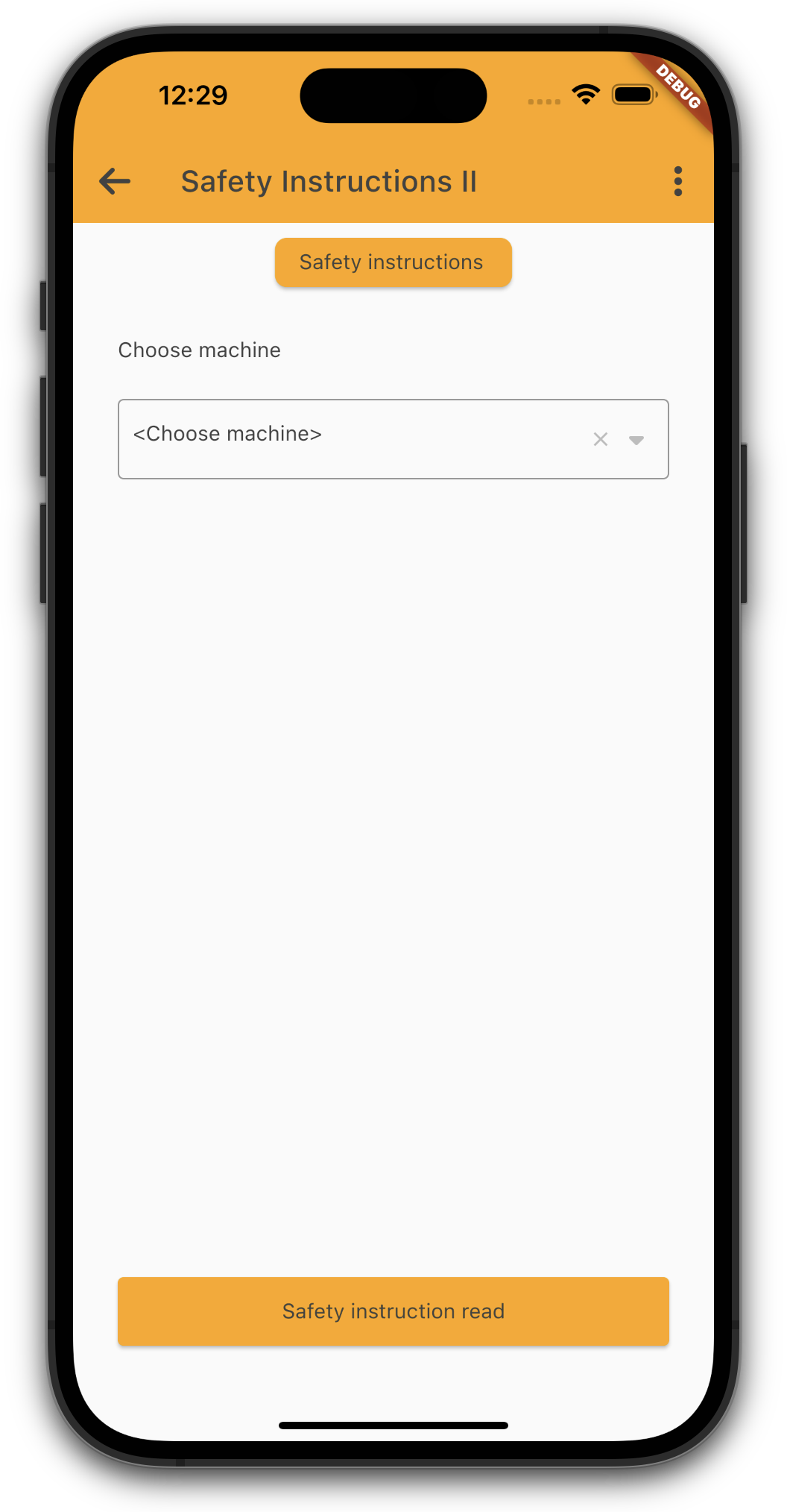
It's also possible to hide the border of modern styled group, with:
Style.addStyleNames(group, "f_panel_noborder");
If you use the modern style, it's possible to collapse and expand the whole panel with a double tap on the title. If you don't like this feature, simply set the style:
f_no_collapse